App Name
Youtify
Youtify is a free music streaming app for Android, published by MELOSTARA TECHNOLOGY LLC. It streams songs, albums, and artists in high quality, with details for each track.
No matter what type of music you are looking for, it caters to the tastes of everyone with its diverse selection of songs. Moreover, it features content across 15+ languages and all the popular genres.
Youtify is installed only from Google Play. The official website is youtify.us and the Android package name is com.youtify.joytify.offlinemuiscplayer. This website does not offer an APK file.
Official website: youtify.us. Android package name: com.youtify.joytify.offlinemuiscplayer. Available worldwide on Google Play.
Youtify is an advanced music streaming application for Android smartphones, tablets, smart TVs, and Fire TV. It features thousands of songs across different genres in more than 15 languages, including English, Hindi, Urdu, Arabic, French, Spanish, and more. Playback stays inside the app. Songs are streamed online and are not saved to the device.
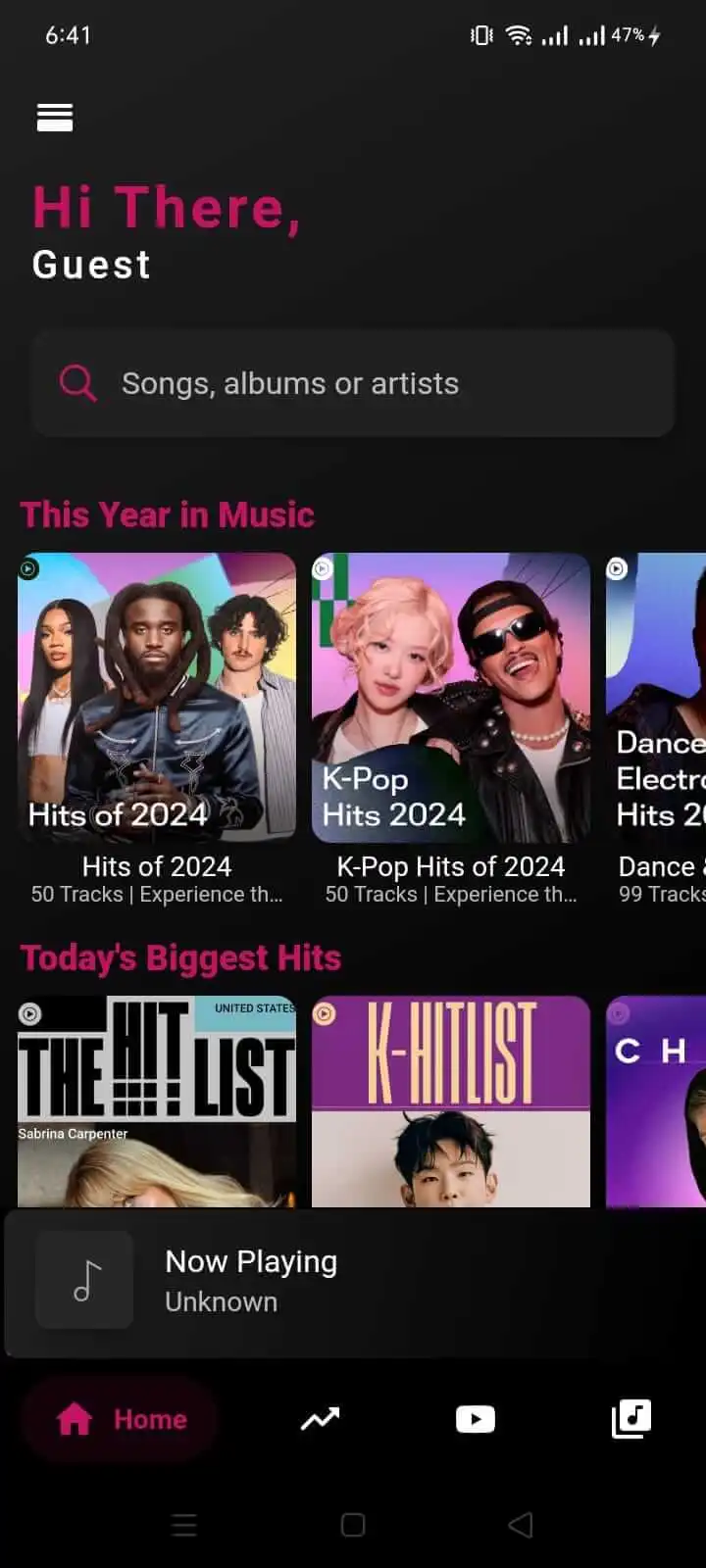
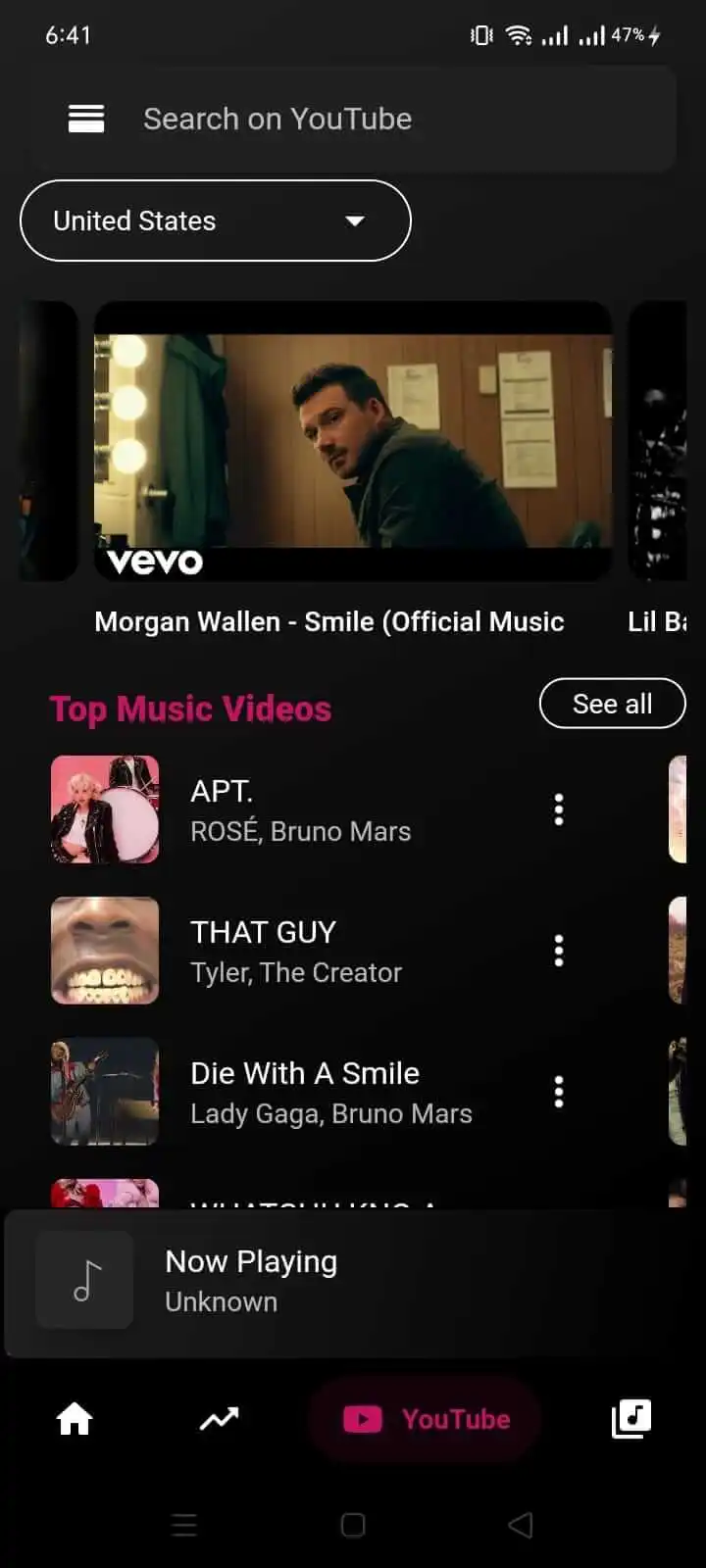
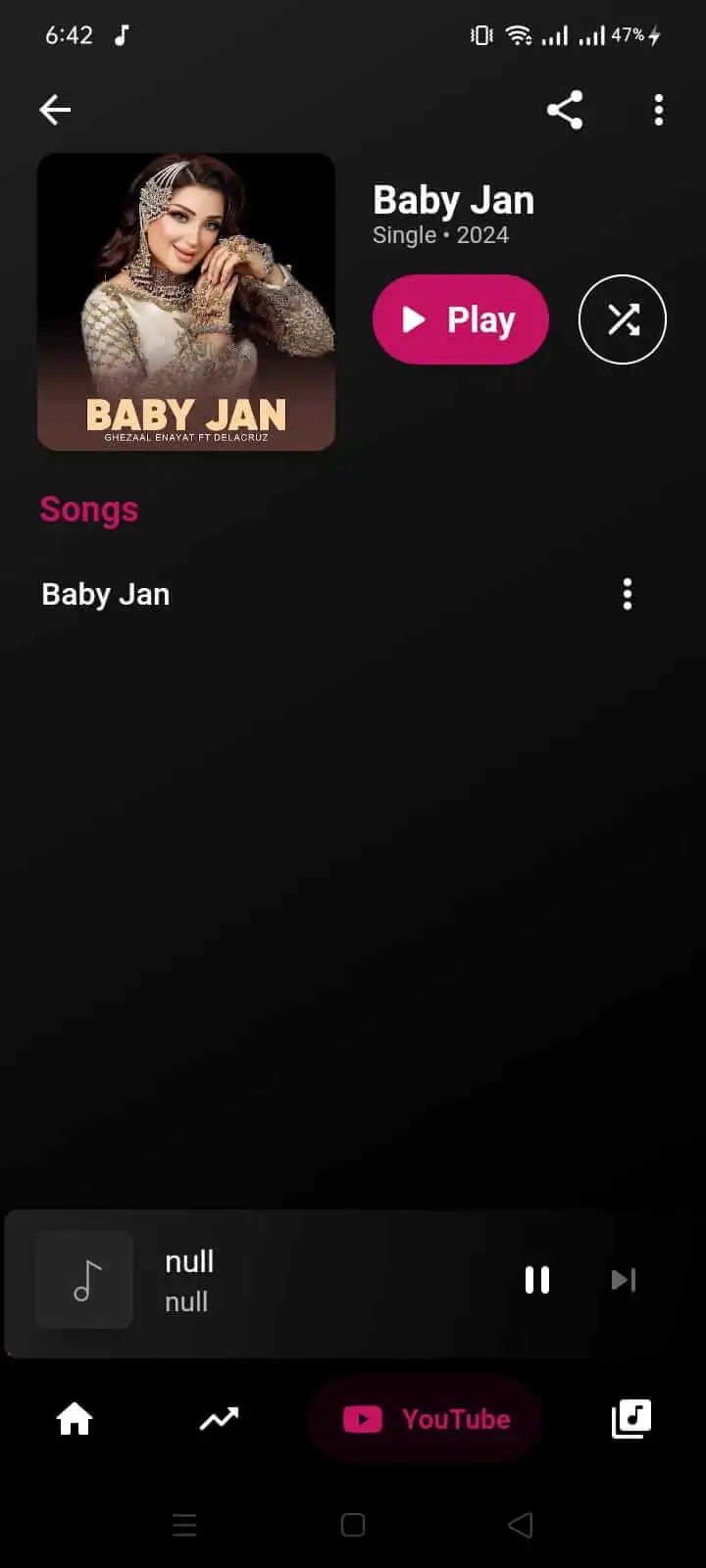
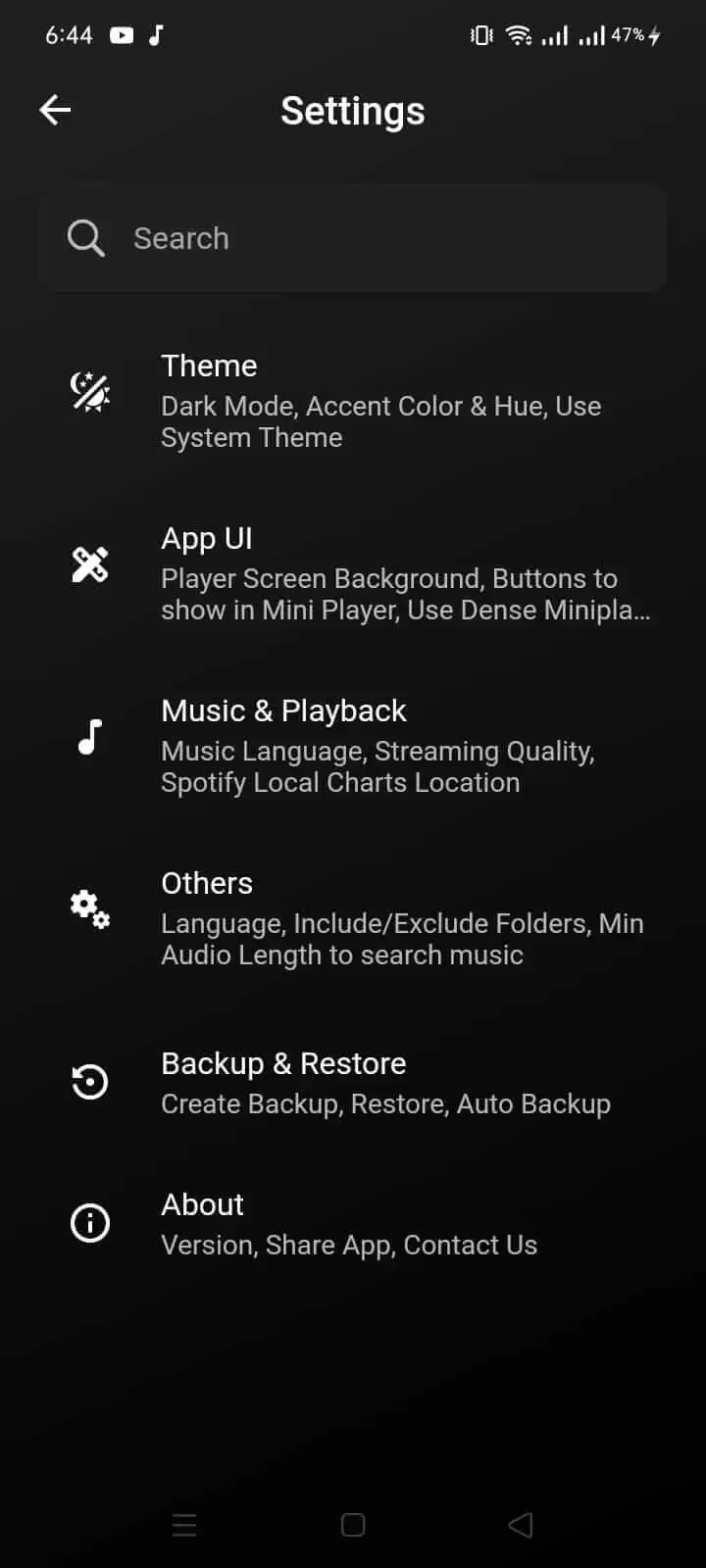
There are different categories of music that users can stream, such as Pop, Classic, Hip Hop, Rock, Rap, Jazz, and more. Users can pick a music category while setting up a profile, and the app will fetch some amazing titles in their desired category. However, the category can be easily changed from the settings, in case you want to explore more options.
The app comes with a built-in music player. So you can create multiple playlists according to their taste and listen to them in your free time. Moreover, it gives you an option of Queue Management, where you can change the number of any song, remove, or add a new one.
If you don't want to carry the app with the default theme and interface, you can customize it. There are multiple themes with different colours and designs. All those designs are completely user-friendly and let you enjoy music conveniently. Further, all of its themes are user-friendly and make app navigation simple and easy.
To make it simple for you to understand the Youtify app's main features, a few of them are listed below. Read them and decide whether the app matches what you want.
Most apps charge for premium streaming. Youtify can be downloaded and used without a subscription, and most of its features are free.
Build as many playlists as you like, group songs by mood or language, and add tracks whenever you find them.
The app watches what you play and which categories you open, then builds playlists around those habits.
Stream in high definition and switch quality so it matches your connection and headphones.
Playback stays uninterrupted, without banner ads or pop-up notifications during a song.
Install Youtify from Google Play. The app is not distributed as an APK.
The official package name is com.youtify.joytify.offlinemuiscplayer. The official website is youtify.us.
Youtify is a free music streaming app for Android by MELOSTARA TECHNOLOGY LLC. It covers many genres and more than 15 languages. Install and update it from Google Play using package com.youtify.joytify.offlinemuiscplayer.